
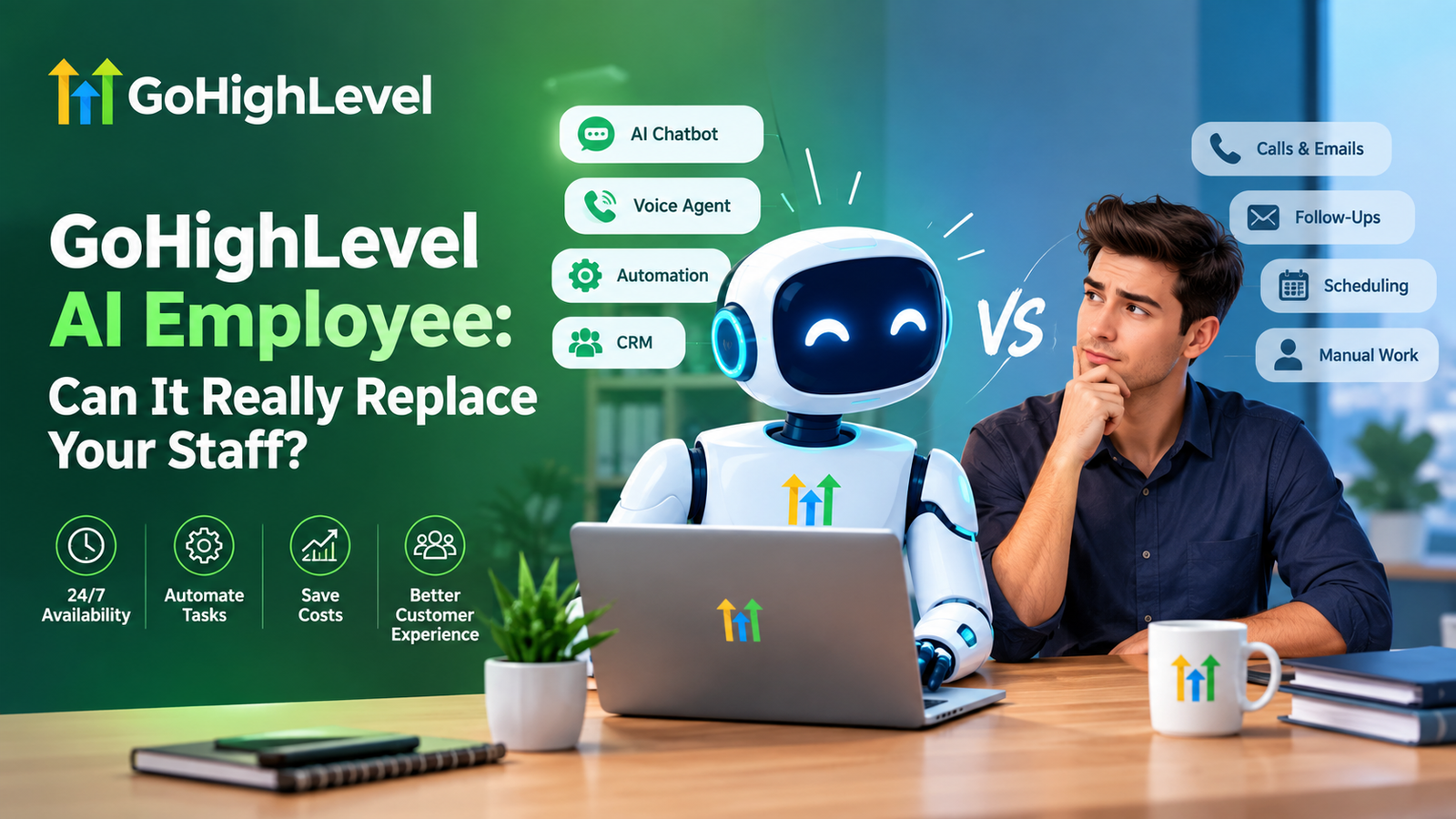
Picture this. It is 11:47 PM. A potential client fills out your contact form, wonders if you can fit them in this week, and then moves on to the next business in the search results. By morning, they have already booked with someone else.
Sound familiar? 😅
Most small businesses do not lose customers because their service is bad. They lose them because nobody replied fast enough. That is exactly the gap the GoHighLevel AI Employee was built to close. But the big question every owner asks is this: can an AI really replace your staff, or is it just a clever chatbot with a fancy name?
Let us be honest and practical about it. In this guide, we will walk through what the AI Employee actually does, where it shines, where it still needs a human, and how to set it up step by step.
Key Takeaways
- The GoHighLevel AI Employee is a bundle of AI tools (voice, chat, reviews, content and workflow help) that live inside your CRM.
- It is excellent at repetitive, time-sensitive work like lead replies, appointment booking and follow-ups.
- It does not replace judgment, empathy or complex problem solving. Think of it as a force multiplier, not a full replacement.
- The biggest win is cost and speed: instant responses, 24/7 coverage and fewer missed leads.
- Good setup matters more than the tool itself. Clear prompts, clean workflows and proper compliance make or break results.
- The smartest approach is hybrid: AI handles the routine, your people handle the relationships.
What Is the GoHighLevel AI Employee?
The GoHighLevel AI Employee is not one single tool. It is a family of AI-powered features inside the GoHighLevel platform that work together like a small digital team. Depending on your plan and current rollout, this typically includes:
- Conversation AI that replies to leads on SMS, web chat, Facebook, Instagram and more
- Voice AI that answers or makes phone calls and books appointments
- Reviews AI that responds to Google reviews in your brand voice
- Content AI that drafts emails, SMS, social posts and website copy
- Workflow AI that helps you build automations faster
Because these features sit inside your CRM, they already know your contacts, pipelines, calendars and past conversations. That context is what separates them from a random standalone chatbot.
Feature names, limits and pricing change often. Always confirm the latest details on the official HighLevel site, and see our breakdown in the GoHighLevel pricing guide.
 Feature names, limits and pricing change often. Always confirm the latest details on the official HighLevel site, and see our breakdown in the
 Why AI for Business Is Suddenly a Must Have
Let us look at the numbers, because they explain the urgency.
- A well-known Harvard Business Review study found that companies that contacted leads within an hour were nearly seven times more likely to qualify them than those that waited even a little longer.
- McKinsey has estimated that generative AI could add trillions of dollars in annual value across industries, with customer operations and sales among the biggest areas of impact.
- Customers now expect near-instant answers, especially on messaging apps.
The lesson is simple. Speed wins, and humans cannot be awake at all hours. AI for business is not about replacing people for the sake of it. It is about never leaving a customer waiting.
If you want a deeper look at one slice of this, our article on AI voice agents vs human receptionists compares cost, quality and customer experience side by side.
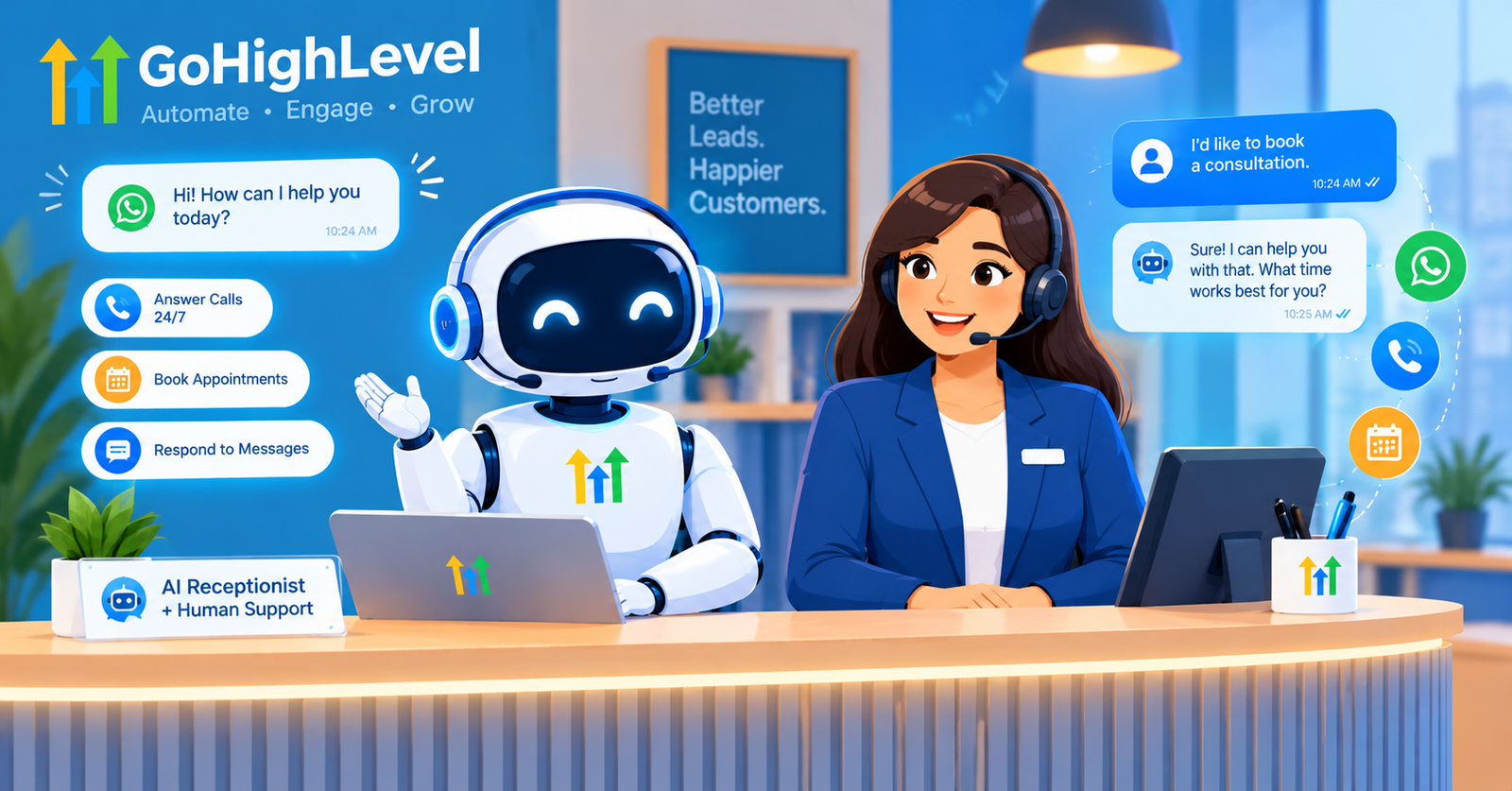
GoHighLevel AI Features That Can Take Work Off Your Plate
Let us break down the features that matter most and the jobs they can realistically take over.
1. Conversation AI for Instant Lead Replies
This is the workhorse. When a lead texts, messages or chats, the bot can answer questions, qualify the lead and push them toward booking. You control the tone, the rules and when it hands the chat to a human.
Best for: FAQs, pricing questions, lead qualification, after-hours inquiries.
2. Voice AI for Calls
Voice AI can answer inbound calls, collect details and book appointments straight into your calendar. It sounds natural, handles interruptions and works around the clock. See real use cases on our AI voice agents page.
Best for: clinics, home services, real estate, law offices and any call-heavy business.
3. Reviews AI for Reputation
Replying to every review takes time most owners do not have. Reviews AI drafts thoughtful replies that match your brand voice, so you stay active without the daily chore.
4. Content AI for Faster Marketing
Need a follow-up email sequence, a promo SMS or a social caption? Content AI gives you a strong first draft in seconds. You edit, approve and send.
5. Workflow AI for Smarter Automation
Instead of building every automation from scratch, you describe the outcome and let AI help structure the steps. If you are new to this, start with our GoHighLevel automation workflows guide.
Let’s Build Something Powerful Together
Can It Really Replace Your Staff?
Here is the honest answer: it can replace tasks, not whole people.
Think about a typical front desk or sales support role. Roughly speaking, it includes:
- Answering the same ten questions again and again
- Chasing leads who have gone quiet
- Booking, confirming and rescheduling appointments
- Sending reminders and review requests
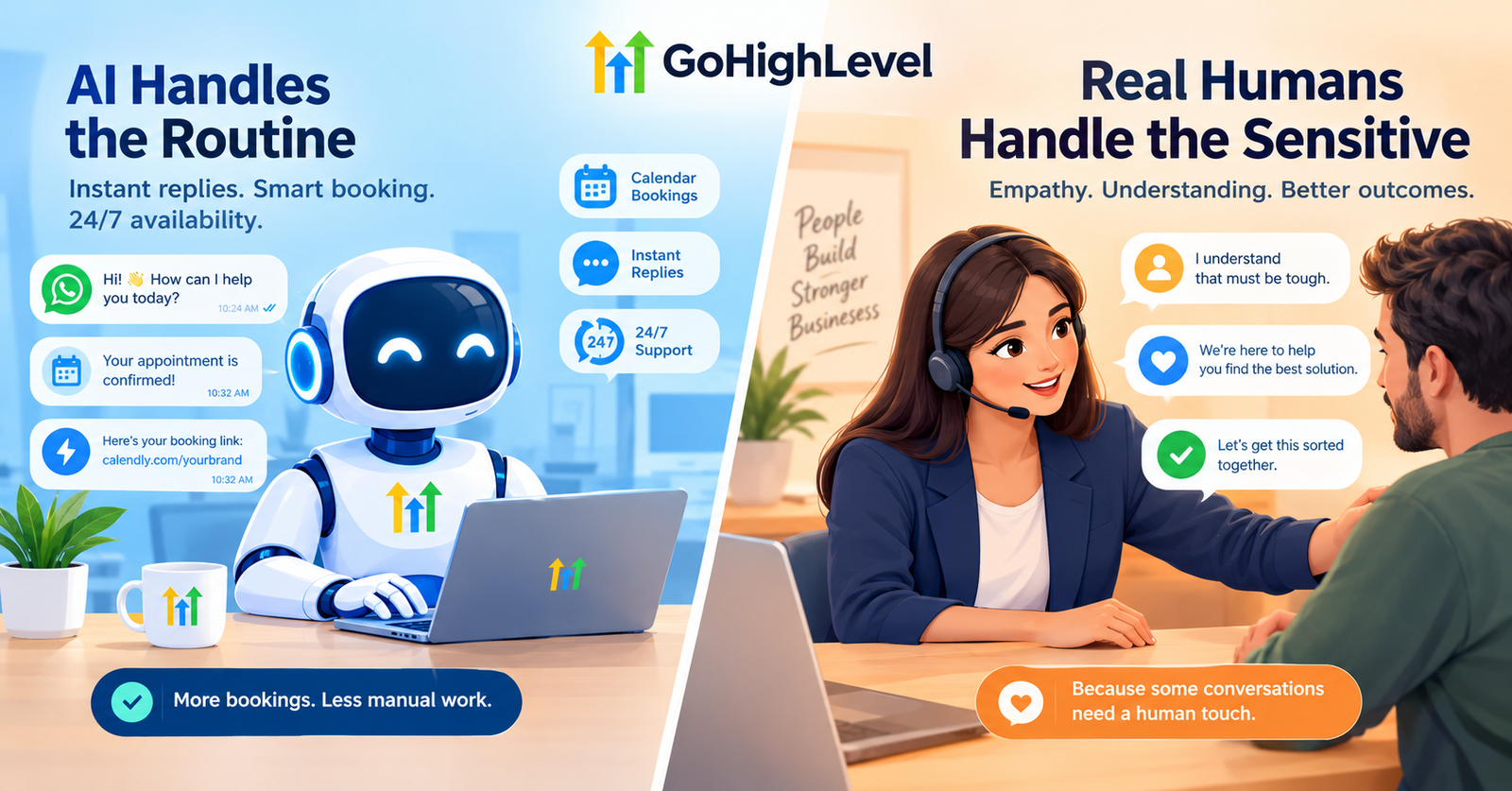
An AI Employee handles these very well. What it does not do well is read a tense situation, negotiate a custom deal, comfort an upset customer or make a judgment call that is not in its instructions.
Where AI Wins
- Speed: replies in seconds, any hour
- Consistency: never tired, never in a bad mood
- Scale: handles 5 or 500 conversations at once
- Cost: a fraction of a full-time salary for routine work
Where Humans Still Win
- Empathy and trust building
- Complex or high-value negotiations
- Creative problem solving
- Handling sensitive complaints
The winning formula is a hybrid team. Let AI take the first touch and the repetitive follow-up, then pass warm, qualified conversations to your people.
Want an AI Employee Without the Setup Headache?
Setting up prompts, workflows and phone numbers correctly is where most businesses stumble. Our team handles the build for you. Explore our GoHighLevel services or schedule a free call to see what is possible for your business.
GHL AI Automation Step by Step
Ready to try it? Here is a practical setup path you can follow.
Step 1. Get Your CRM Foundation Right
AI is only as good as the data behind it. Make sure your contacts, pipelines, tags and calendars are clean. If you are starting from zero, our GoHighLevel CRM setup beginner guide walks you through it.
Step 2. Define the Job
Write down exactly what the AI should do. For example: “Answer pricing questions, qualify the lead by asking budget and timeline, then book a discovery call.” Narrow jobs perform better than vague ones.
Step 3. Write a Clear Prompt and Knowledge Base
Give the bot your business hours, services, pricing ranges, tone of voice and rules for what it must never say. Add real FAQs and policies. The more specific you are, the fewer mistakes it makes.
Step 4. Set Handoff Rules
Decide when the AI should stop and call a human. Good triggers include angry language, requests for a manager, large deal sizes or anything outside its instructions.
Step 5. Connect Calendars and Workflows
Link your booking calendar and build simple automations: new lead, AI reply, qualification, booking, reminder, review request. Keep the first version small.
Step 6. Handle Messaging Compliance
If you text customers in the US, carrier registration is not optional. Without it, your messages may be filtered or blocked. Read our A2P 10DLC registration guide or get help through our A2P 10DLC service.
Step 7. Test, Review and Improve
Run test conversations, read real transcripts for the first two weeks and tighten the prompt where the bot stumbles. Treat it like training a new hire.
Real World Examples of an AI Employee at Work
Real estate agent. A buyer inquires at 10 PM. The AI answers questions about the listing, asks for budget and timeline, and books a showing for the next morning. The agent wakes up to a booked calendar. For more on this, see our real estate setup guide.
Dental clinic. Voice AI answers calls during lunch breaks, confirms appointments and reschedules cancellations, so the front desk can focus on patients in the room.
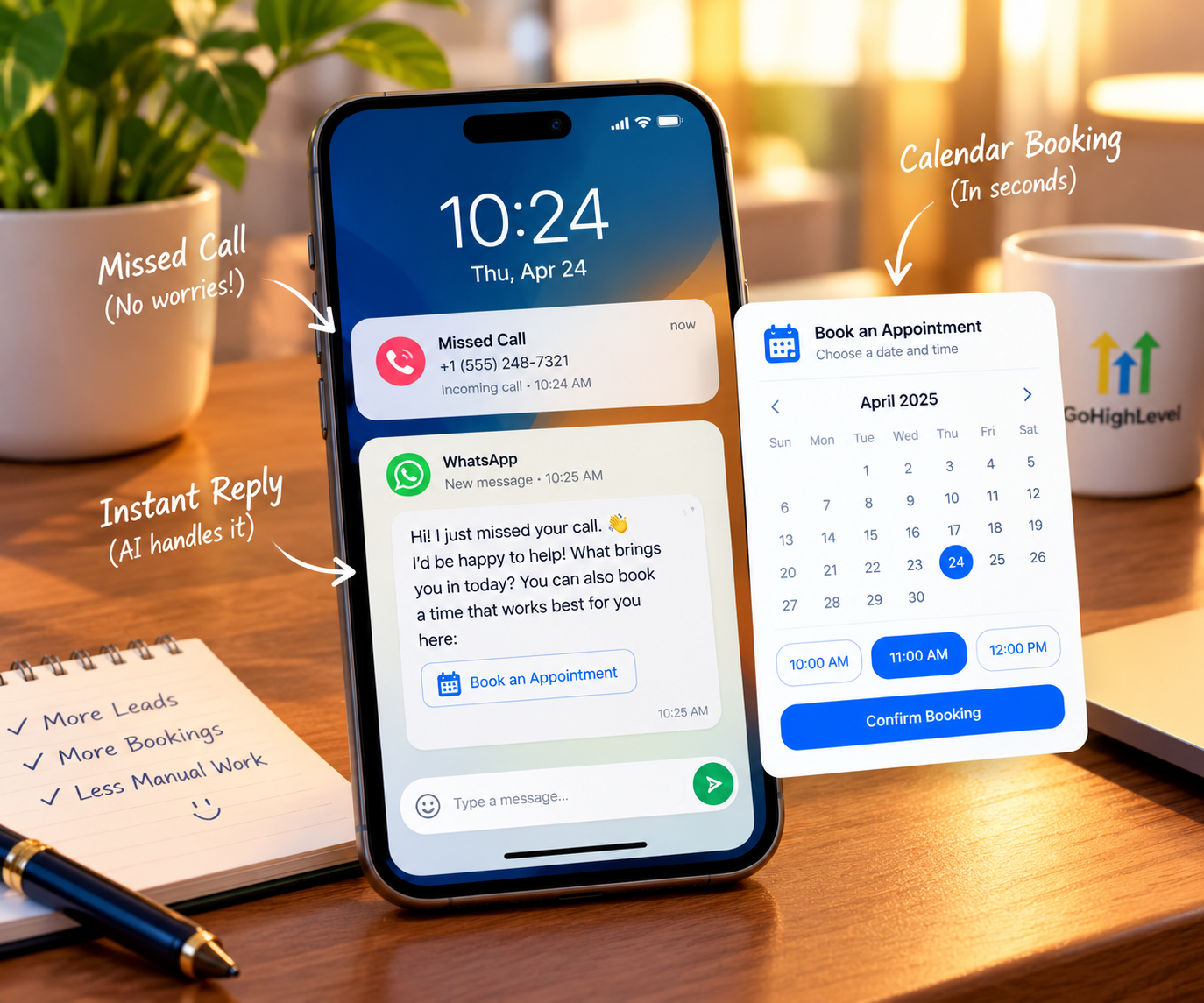
Home services company. Missed calls trigger an instant text from the AI: “Sorry we missed you, what do you need help with?” Many of those leads turn into booked jobs instead of vanishing.
WhatsApp driven business. Connect messaging channels and let AI handle first replies. Our GoHighLevel WhatsApp integration guide shows how.
Let’s Build Something Powerful Together
The Real Costs and Risks to Watch
No tool is magic. Keep these points in mind:
- Usage based costs. Many AI features charge per conversation, minute or action. Estimate your volume before scaling.
- Hallucinations. AI can occasionally say something wrong with confidence. A strong knowledge base and firm rules reduce this.
- Brand risk. A poorly written prompt can sound robotic or off-brand. Review transcripts regularly.
- Privacy and consent. Follow local laws on call recording, texting consent and data handling.
- Over automation. Not every customer wants a bot. Always offer an easy path to a human.
Wondering whether the platform as a whole is worth it? Our honest GoHighLevel review covers the pros and cons.
How to Decide If You Should Start Now
Ask yourself these quick questions:
- Do we miss calls or messages outside business hours?
- Does our team spend hours on repetitive replies and reminders?
- Are leads going cold because follow-up is slow?
- Do we already use, or plan to use, GoHighLevel as our CRM?
If you answered yes to two or more, an AI Employee is likely worth testing. Start with one use case, such as missed-call text back or lead qualification, then expand.
Not ready to automate everything? You can also pair AI with human support through a dedicated virtual assistant, which is a smart middle ground.
Let Us Build Your Hybrid Team
Whether you want AI handling the routine or a mix of AI and human support, we can map it out with you. Contact our team today and get a clear plan for your business.
FAQs About the GoHighLevel AI Employee
What is GoHighLevel SaaS Mode?
Do I need coding skills to start a GHL SaaS business?
How much does it cost to start saas with ghl?
Pricing depends on your plan and your usage, such as conversations or call minutes. Check the official HighLevel pricing page and our pricing breakdown for current details.
How do I price my SaaS plans?
Basic setups are manageable for beginners, but quality prompts, workflows and compliance take planning. Many businesses hire an expert to speed things up.
Is niching down really necessary?
Modern voice agents sound quite natural and handle interruptions well, but they work best with focused tasks like booking and FAQs. Always test before going live.
Which businesses benefit the most?
Service businesses with many inbound inquiries, such as clinics, real estate, home services, agencies and local professionals, usually see the fastest wins.
Conclusion
So, can the GoHighLevel AI Employee really replace your staff? Not in the way the hype suggests. It will not replace the people who build trust and close big deals. But it can take over the repetitive, time-sensitive work that drains your team and costs you leads.
The businesses that win are not choosing between humans and AI. They are combining both: AI for speed and coverage, people for connection and judgment. Start small, test carefully and improve over time, and you will likely wonder how you ran without it.
Ready to put an AI Employee to work? Explore Hexalevel GHL services, see our past projects, or get in touch today.